Get into the details.
Select the finder eyes, data modules, logo, or frame. Adjust shapes, colors, and effects with a live preview.
MonkeyTactics / Desktop workspace
Give every QR code its own character. Work with multiple designs, shape the details, and bring your ideas to life in a dedicated desktop workspace.
Best on a desktop or laptop with a WebGPU-capable browser.
Your design content stays in your browser.


Sample designs · Open a template to edit every detail
Select the finder eyes, data modules, logo, or frame. Adjust shapes, colors, and effects with a live preview.
Browse static and animated templates. Open a fresh design and make it your own, with help close at hand.
Inspect scan reliability as you work. Export SVG, PNG, or JPG artwork, or bring motion to your design with animated exports.
Made to move
Explore animated designs, then make one your own. Pause any example for a closer look.
Explore animated templates ↗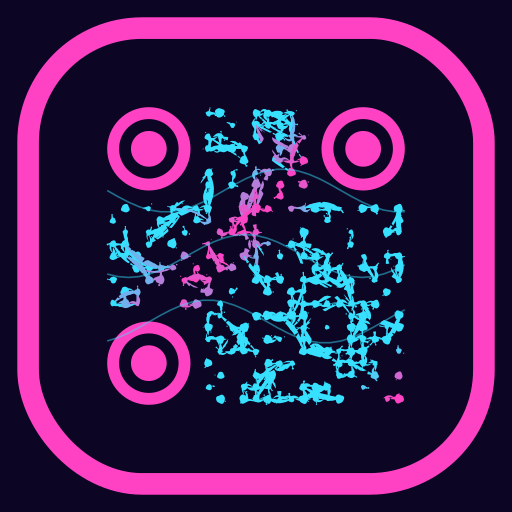
Our web generator works on smaller screens and includes batch and PDF tools.